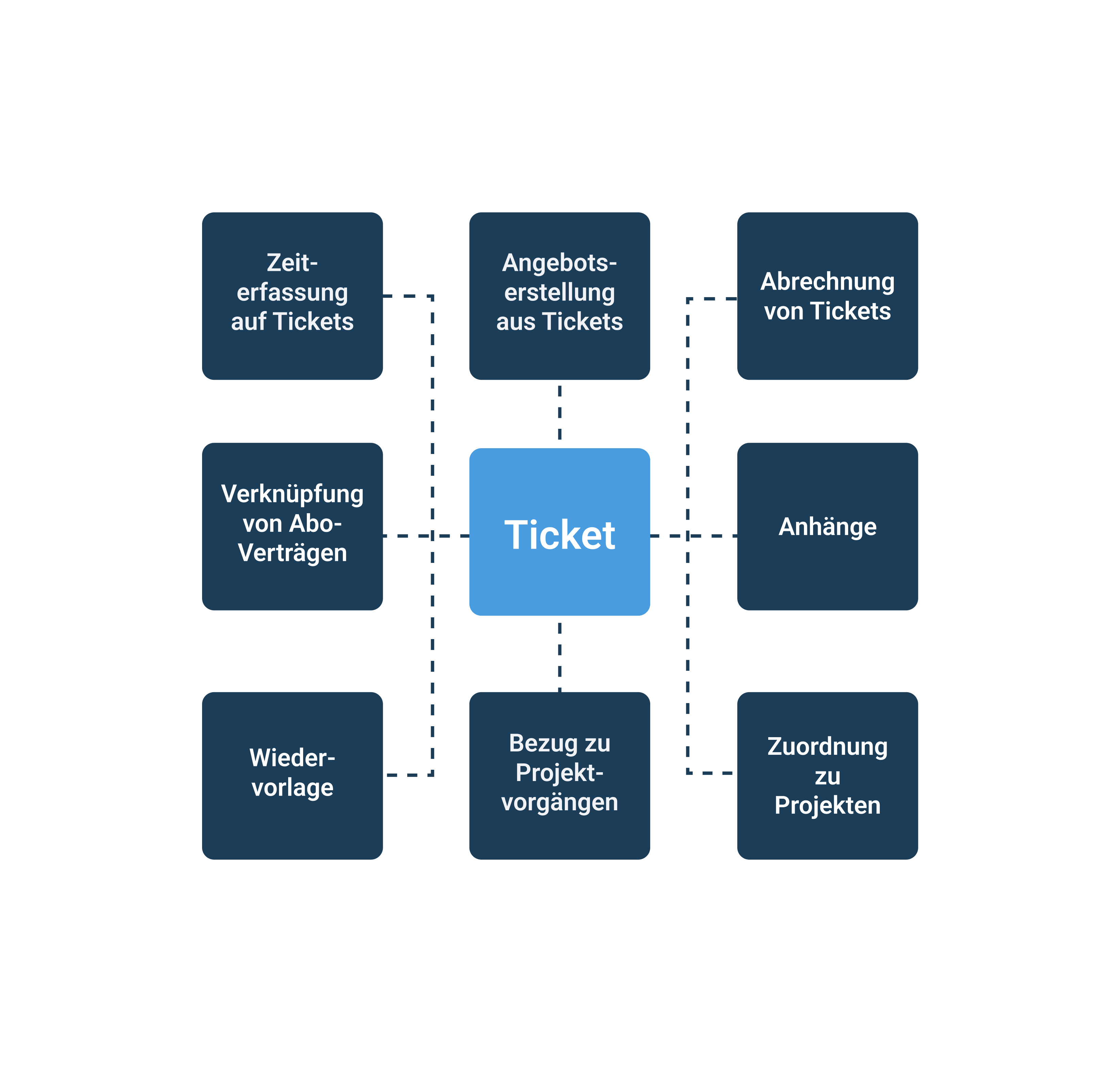
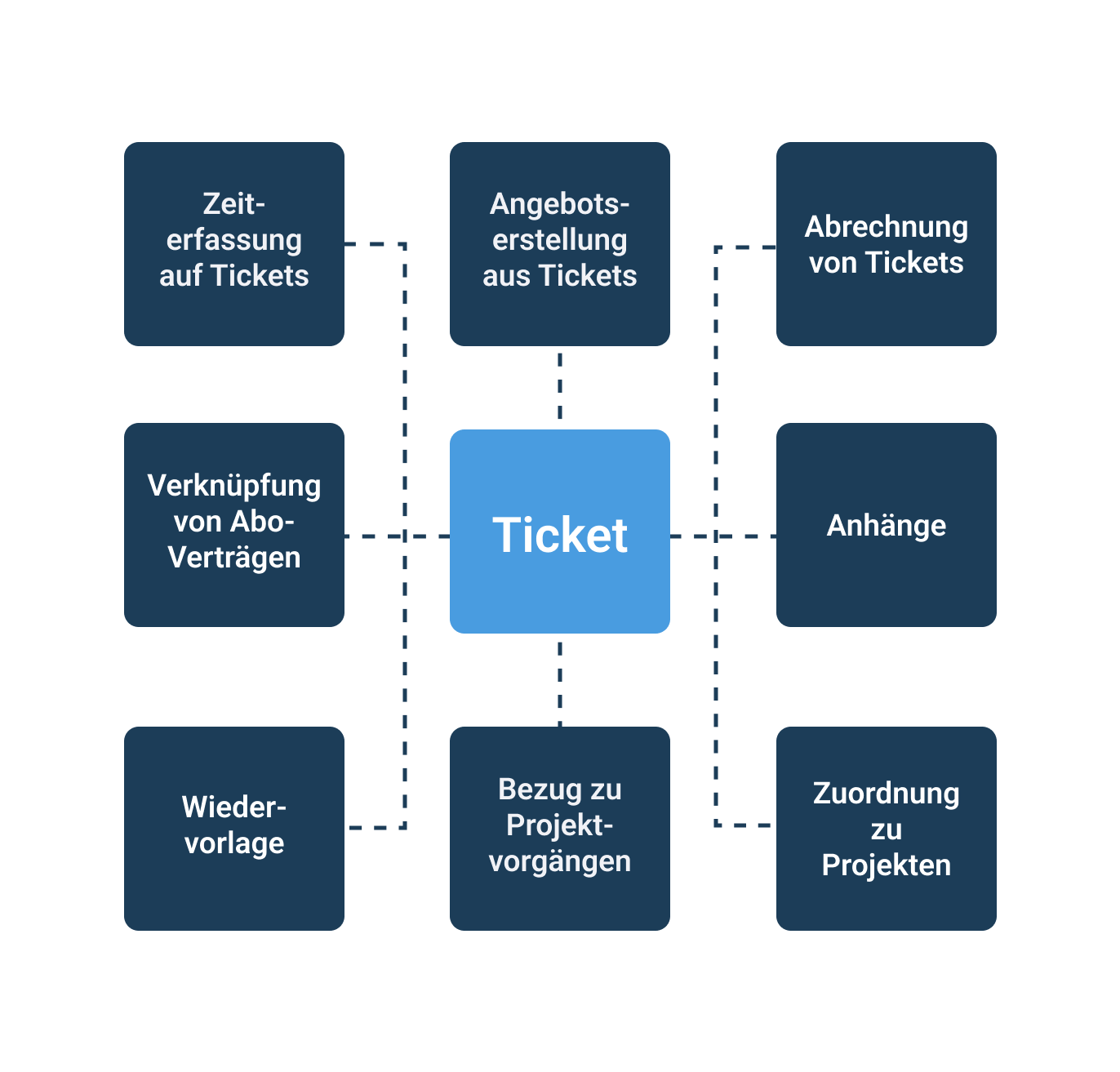
Customer cases are often multifaceted, so a ticket can also serve as the basis for a customer offer. Additionally, ticket times may be billed monthly depending on the customer. Therefore, tickets offer seamless integration with many other work4all modules.
Improve the quality of your service
Ticket management for fast and efficient customer support
In the German cloud or on your own server
Über 35 Jahre Erfahrung in CRM, Kundenmanagement & Organisation
With integrated AI agents
Your All-in-One Solution
Overview of ticket management features
Every customer case a ticket
Basically, tickets are “large tasks” that display all communication with the customer though chronological events. This allows multiple employees to work on the same cases, resulting in more efficient processes and faster response time in support. The employee who is available takes care of the ticket.
In addition, you can add attachments to the ticket, existing Subscription contracts display, Record times, work through checklists and set priorities.

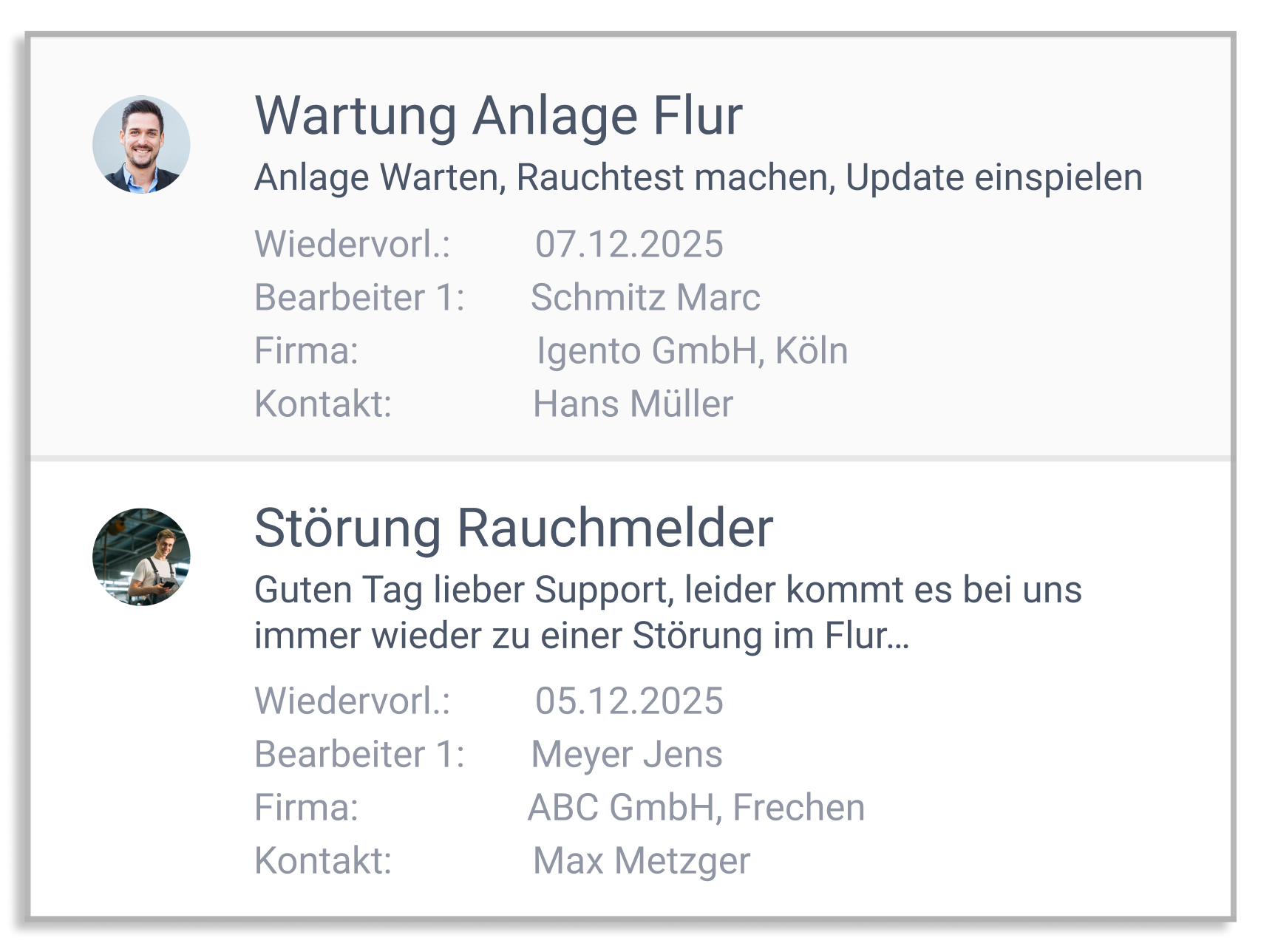
Ticket list as a control element
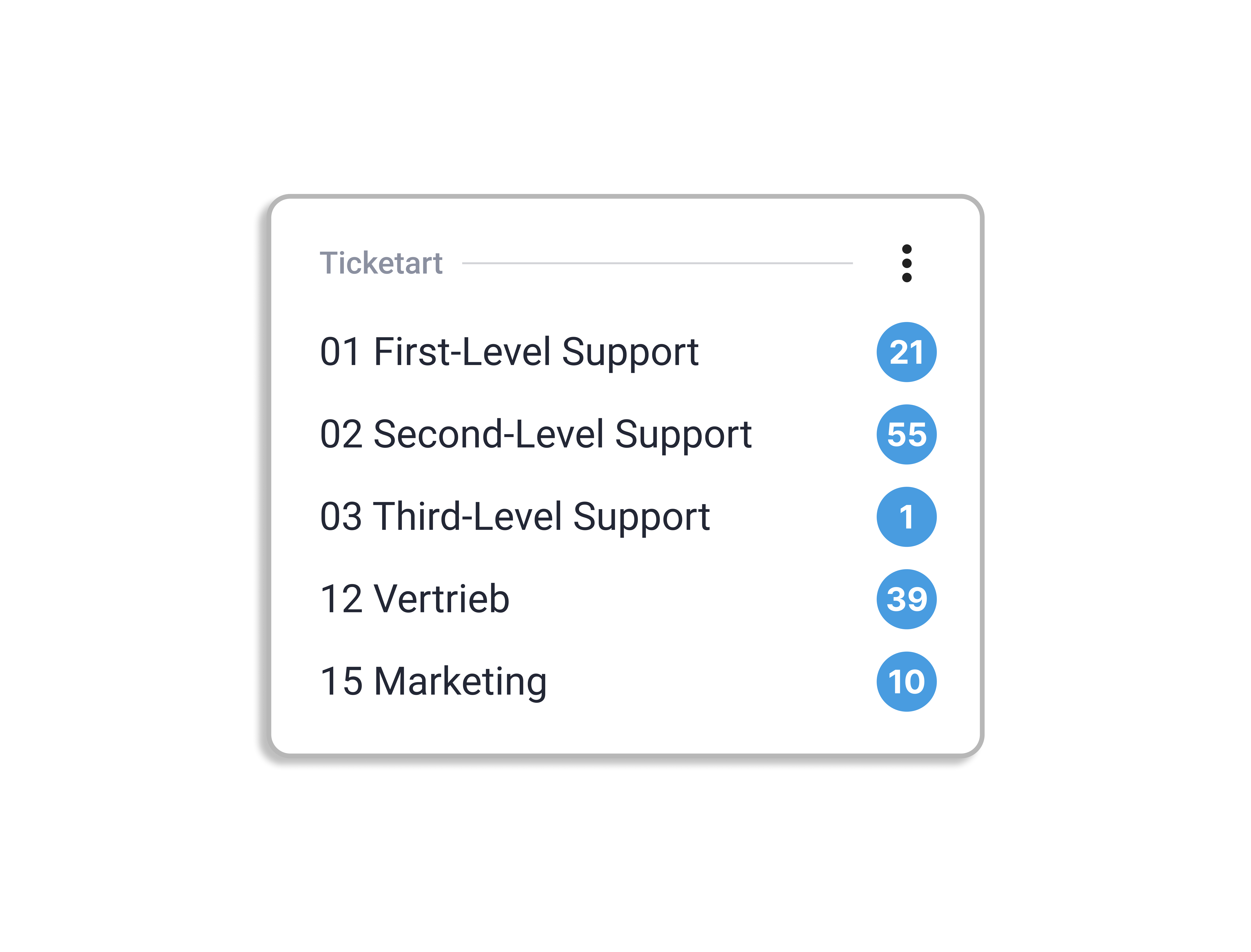
The ticket list provides a clear overview of how many open tickets exist in each area, for example, 19 open support tickets. Through the list, tickets can be delegated or assigned and processed by employees themselves. Each employee filters their own ticket pool for which they are responsible.
Versatile integration with other WORK4ALL modules
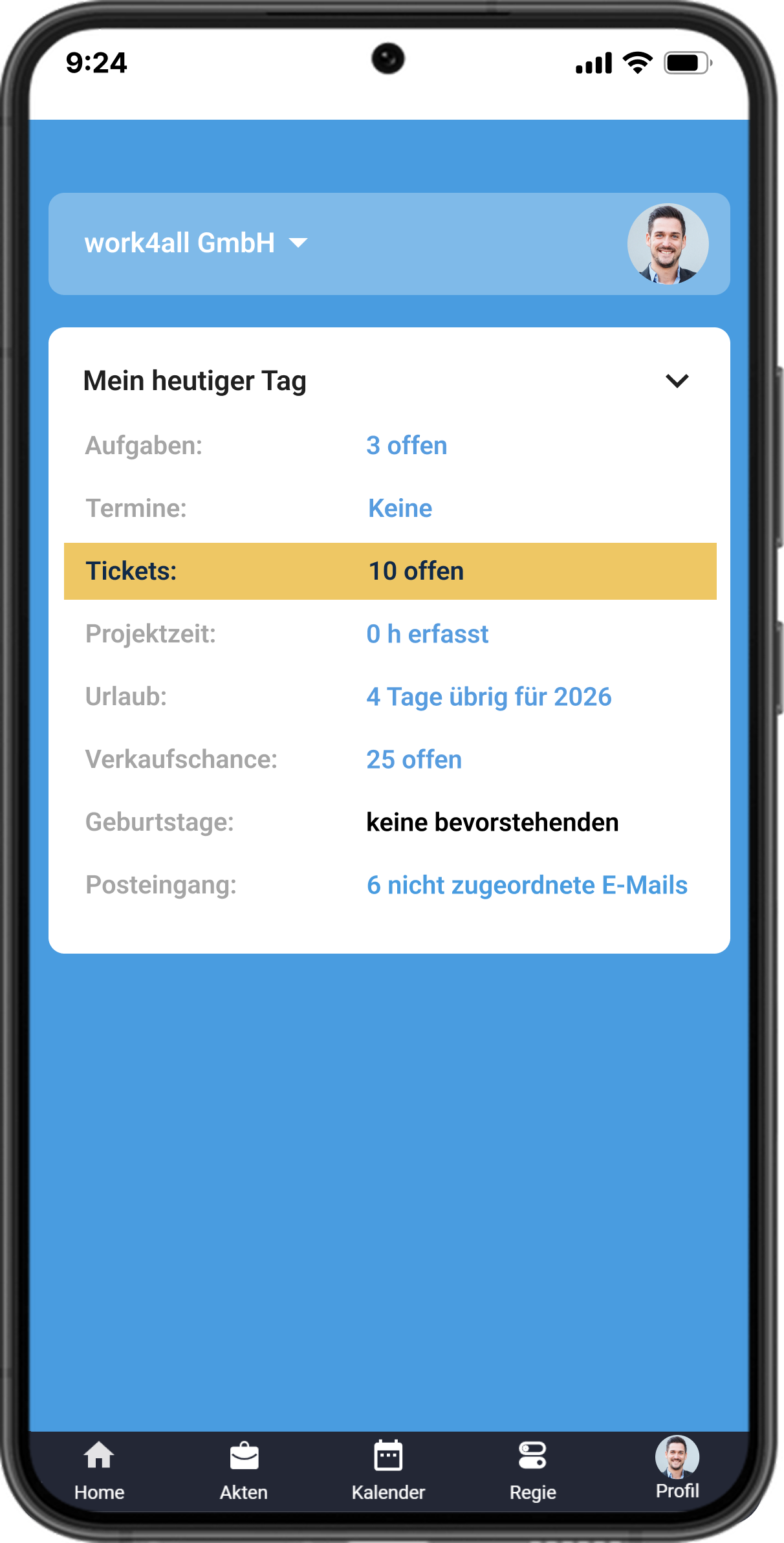
Mobile access with the work4all app
Especially in the craft sector or in the field service, mobile access to tickets is essential. With the work4all app, tickets can be created and new activities added — even using voice input.
CRM/ticket management
Feature overview
Overview by categories, topics, status and priorities
View problem description, processing instructions and solution
Time tracking for tickets from the ticket mask
Assignment to article master data
Project and task assignment
Notification to customers
Tasks and appointments for editors
File attachments
Exporting to Microsoft Office
Linking subscription contracts
Automatic creation of tickets from the support mailbox
Bring your growing business processes into a digital home
work4all connect what belongs together: projects, customers, invoices, documents, articles, employees. Everything clearly integrated in one software system.
One control centre instead of lots of special tools and makeshift solutions
Experienced process and digitalisation specialists by your side
Easy to use for all department - even when you're on the move
"Transparent customer and project management, fair pricing, and DATEV integration make work4all a true home for our business."

Managing Director, Steffens Systems GmbH